
Power Workflow Tips with Troy Miller
In this episode we watch Troy Miller work. Troy demonstrates some little known, yet extremely powerful power tips that you can start using today to work smarter, not harder.

In this episode we watch Troy Miller work. Troy demonstrates some little known, yet extremely powerful power tips that you can start using today to work smarter, not harder.

Jared Platt is back for a deeper dive into Lightroom and we’ll share our tips and strategies for working quickly and efficiently in Lightroom.

Jared Platt is a workflow and Lightroom guru and he is here today with advice for wedding photographers on how they can streamline their workflow so they can spend less time chained to their computers editing.
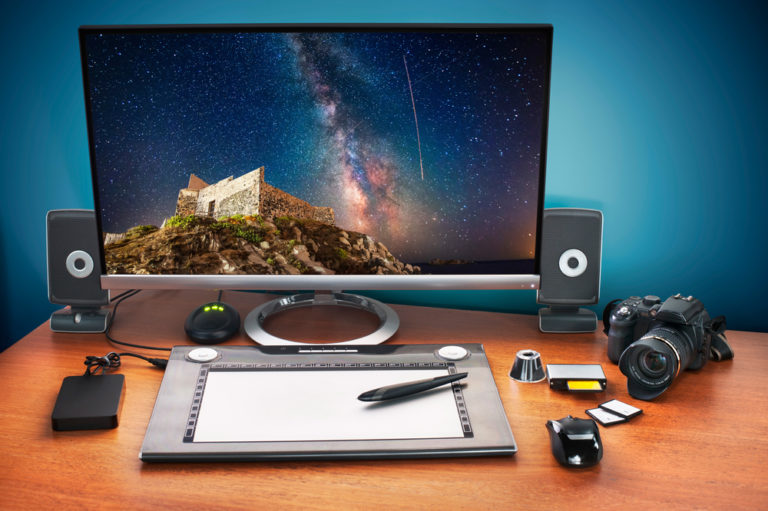
Once a wedding has been photographed, the work has just begun. On this episode of TWiP Weddings, we share our tips and strategies for the post-wedding workflow. From downloading and safely backing up our client’s images, to culling, editing, and delivering images to the client, you’ll learn how each of us tackle the tasks that await us after the shooting portion of the job is done.

This week on TWiP Weddings, Robert and Bruce continue their discussion on how they approach each part of the wedding day. On this episode they’ll walk you through the second half of the wedding day and dig into the gear they use, how they approach the formal portraits, and tips for getting great shots during the cocktail hour and reception.
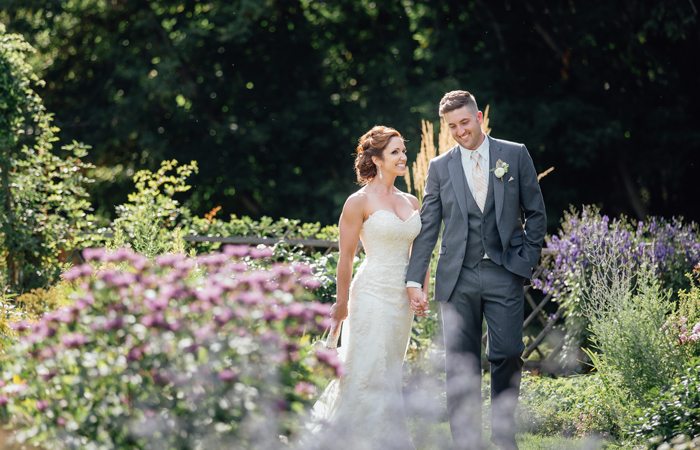
This week on TWiP Weddings, Bryan, Robert, and Bruce walk you through the first half of the wedding day and dig into the gear they use, how they approach each part of the day, and tips and advice for capturing great images.

This week on TWiP – The new Olympus PEN E-P5 boasts several impressive features. A discussion about mirrorless photography. Plus a deep dive into post-processing workflows. And an interview with photographer Trey Ratcliff who talks about his workflow and his ambitious experiment with mirrorless camera technology.
Have you been looking for a quick and easy way to create an Animoto video using the images you have in your SmugMug library? TWiP contributor Patrick Reed shares his workflow to quickly create an Animoto slideshow using images he has already uploaded to SmugMug.
On this special interview episode of TWiP, Frederick catches up with photographer Thomas Hawk to discuss his latest projects, Flickr, censorship, photographers rights, workflow, gear, and HDR photography.